




Member No:#56
Joined:Nov 9, 2026
Messages:8
Reactions:3
Points:1
Awards:3
LV
0
70%
 BChat 0.2.0 is here
 Handle IRC as a bee does a flower
 Version v0.2.0 |  Released 9 Nov 2026 |  Platform Windows 10/11 |  Price Free, no ads |
BChat 0.2.0 brings the everyday comforts veterans expect from the big clients, while keeping the calm XChat 2 look.
 What's new
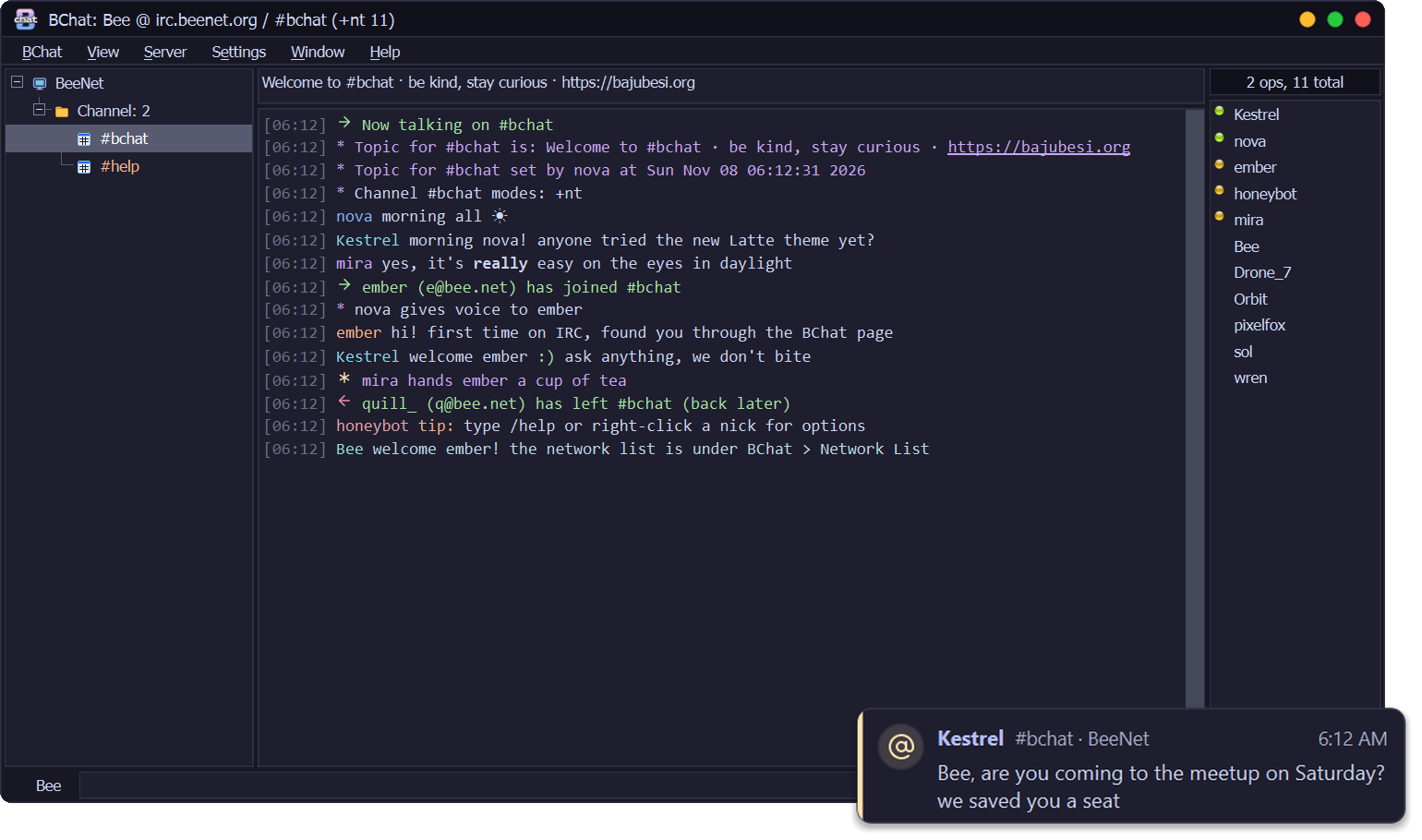
- Network List: 21 Popular Networks, each checked for encryption, one click to connect. Your Favourite Networks get their own group on top
- Channel history: on networks that keep it, see what was said before you joined or while you were away
- irc:// links from your browser open in BChat (it asks first)
- Favourite channels with Join on Connect, and highlight rules like mIRC's (words, wildcards, nicks, channels, colour and sound)
- Multi-line input with Shift+Enter, and a paste window that shows what a long paste will send
- /np shares the song you're playing (off until you turn it on, music only) and can announce each new song; /sysinfo shares your PC's specs
- Nick menu: Ignore, Kick with Reason, CTCP (Ping, Time, Version) and Slap! with a random line from your own list
- Invite bar, Friends window with /notify, rejoin after a kick (optional), WhoIs on new private chats, and a Local page for your own address
- Calmer buttons, sharper menu ticks, and a lag meter you can actually read
Already using BChat?
BChat 0.1.0 offers this update by itself: look for Update after Help. It checks the signature and installs when you quit.
First install
DownloadBChat-0.2.0-setup.exebelow and run it. The installer isn't code-signed yet, so Windows SmartScreen may warn you: choose More info → Run anyway. Some antivirus programs may also stop it; see the README.
 Questions or problems? Reply below.
BeeServ answers from the BChat guide, and the BajuBesi crew reads every thread.
 Free, no ads. If you like it: support BChat on Ko-fi.
Last edited: