



Member No:#56
Joined:Nov 9, 2026
Messages:28
Reactions:4
Points:1
Awards:3
Device:
LV
0
70%

 BChat 0.8.9 is here
 Handle IRC as a bee does a flower
 Version v0.8.9 |  Released 23 Nov 2026 |  Platform Windows 10/11 |  Price Free, no ads |
BChat 0.8.9 makes file sends work behind routers that block incoming connections, and keeps BChat lighter during long sessions.
 What's new
- Passive file sends (Settings → File transfers → Sending Files → Send files):
- Normal: the other side connects to you, as before.
- Passive: you ask the other side's client to open the connection, so sends work even when your router won't let anyone reach you. The offer line in the chat says (passive).
- Auto (the default): sends passive only when it's needed, when you're on a home or shared provider address with no ports forwarded by hand, and the router hasn't opened a port for BChat (UPnP).
/dcc sendand the nick list's Send File follow this setting./dcc psendalways sends passive.
 Fixed
- Closed windows (Settings, Network List, Edit Network, About, the quit question, the lock password, Report a Problem and others) now leave memory when you close them. Before, each one stayed hidden until BChat quit, and every theme change restyled all of them, so long sessions slowly got heavier.
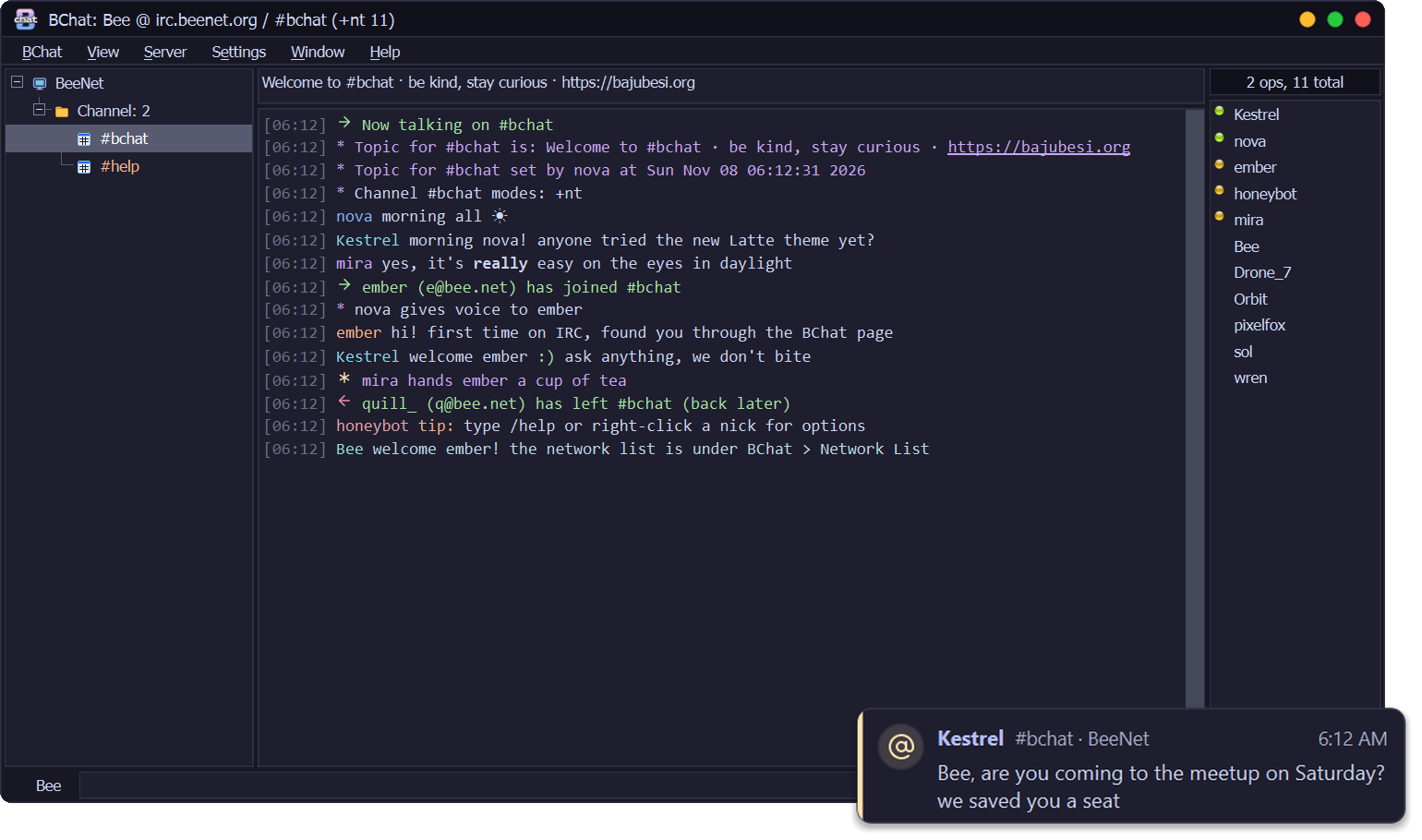
Already using BChat?
BChat 0.1.0 to 0.8.8 offer this update by themselves: look for Update after Help. It checks the signature and installs when you quit.
DownloadBChat-0.8.9-setup.exefrom this release and run it. The installer isn't code-signed yet, so Windows SmartScreen may warn you: choose More info → Run anyway. Some antivirus programs may also stop it; see the README.
VirusTotal: none of the 69 antivirus engines that scanned the installer flags it. Inside it, BChat.exe is flagged by 2 of 70 (APEX and Zillya, machine-learning guesses they have made on earlier BChat builds too).
 Questions or problems? Reply below.
BeeServ answers from the BChat guide, and the BajuBesi crew reads every thread.
 Free, no ads. If you like it: support BChat on Ko-fi.